Skills
UX DESIGN / PRODUCT DESIGN / WIREFRAMING / STRATEGY
Platform
Mobile + Desktop
My Role
Collaboration with
Application Developer, Product Designer, Project Manager, UI Developer, UX Researcher, Visual Designer
OVERVIEW
THE PROBLEM
As an intern group, we noticed the lack of an easy, reliable way to discover local, exciting activities, which is a common barrier preventing people from trying new experiences and keeping them in their comfort zones.
OUR SOLUTION
Inspired by TikTok trends like “What to do for 24 hours in [insert city],” Soli is a mobile app where solo travelers can share full-day travel guides. These guides include all the essential travel information, making it easier for others to follow their recommendations.
HOW IT WORKS
The Explore page is designed for users looking to discover new adventures efficiently. It allows users to filter by location, activity type, and duration to narrow their search.
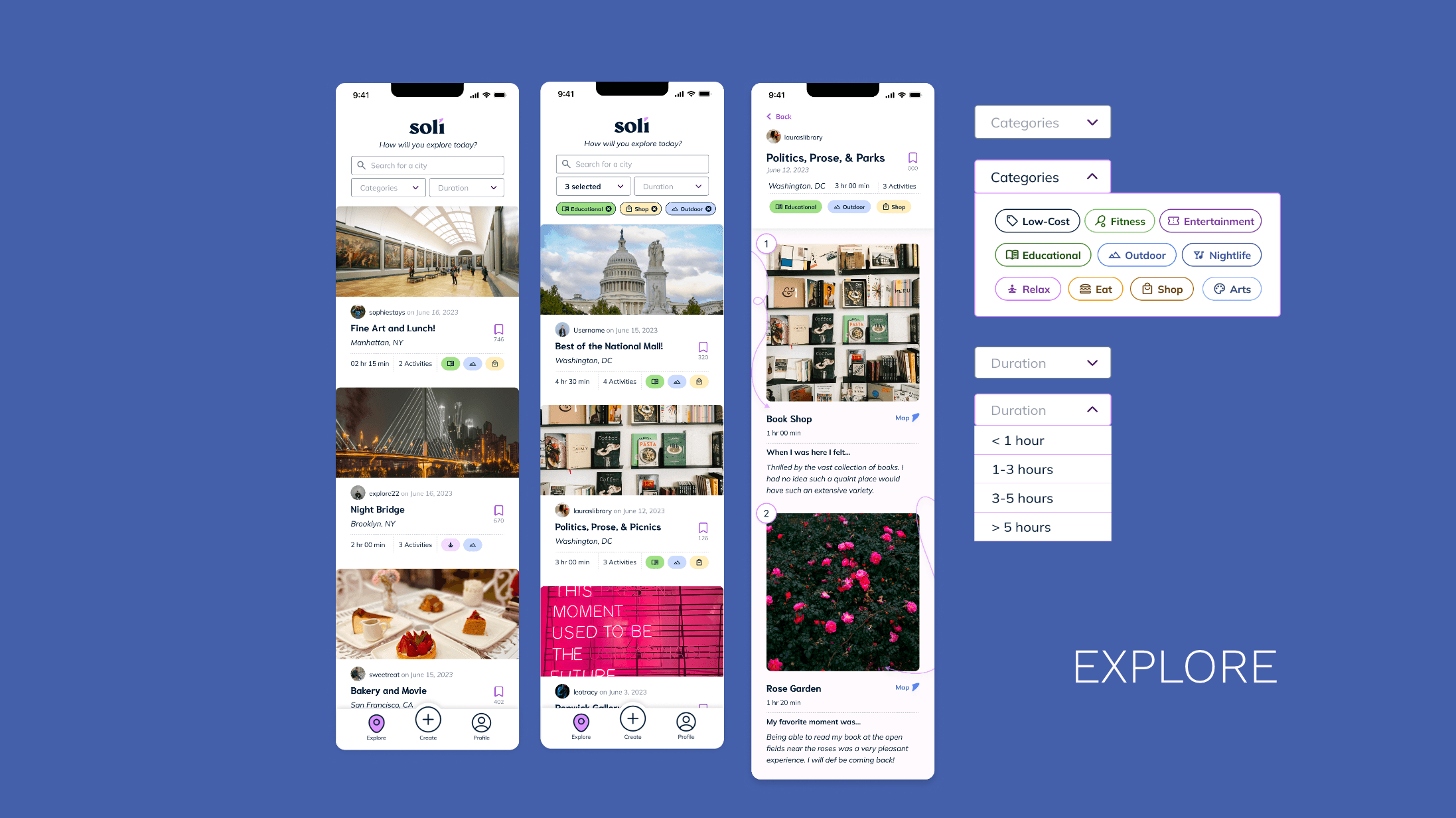
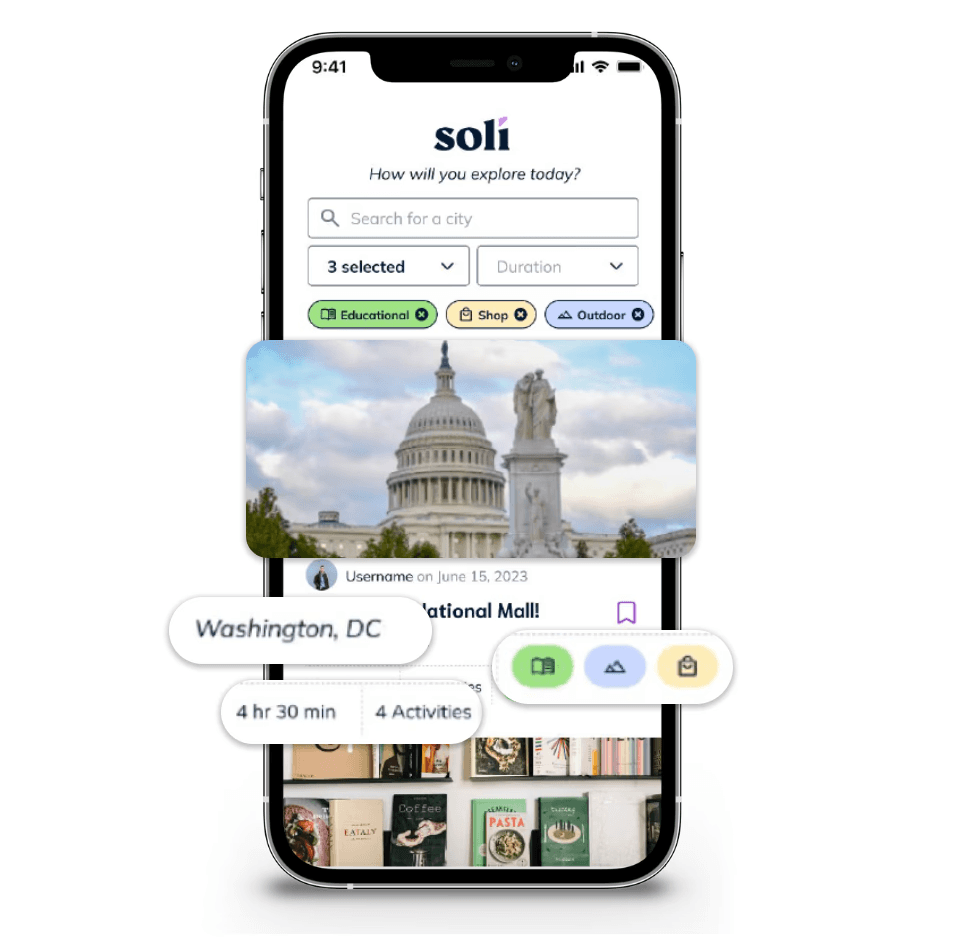
Each guide preview includes essential information such as:
Photos: To capture interest and provide a preview of what to expect.
Location: So users can see where activities are located to evaluate their accessibility.
Tags: To summarize the types of activities within the guide, aiding users in quickly identifying relevant options.
Approximate Duration: Lets users determine if the activity fits into their schedule.
Once users have this initial information, they can decide if they want to:
View All Activities: Clicking the guide reveals the full list of consecutive activities with detailed descriptions.
Save the Guide: Users can bookmark guides for later reference.
See Number of Saves: To enhance trust and user engagement, we display the number of saves for each guide, helping new users gauge its popularity and validity.
View Location on a Map: Users can see the activity’s location and assess proximity for better planning.
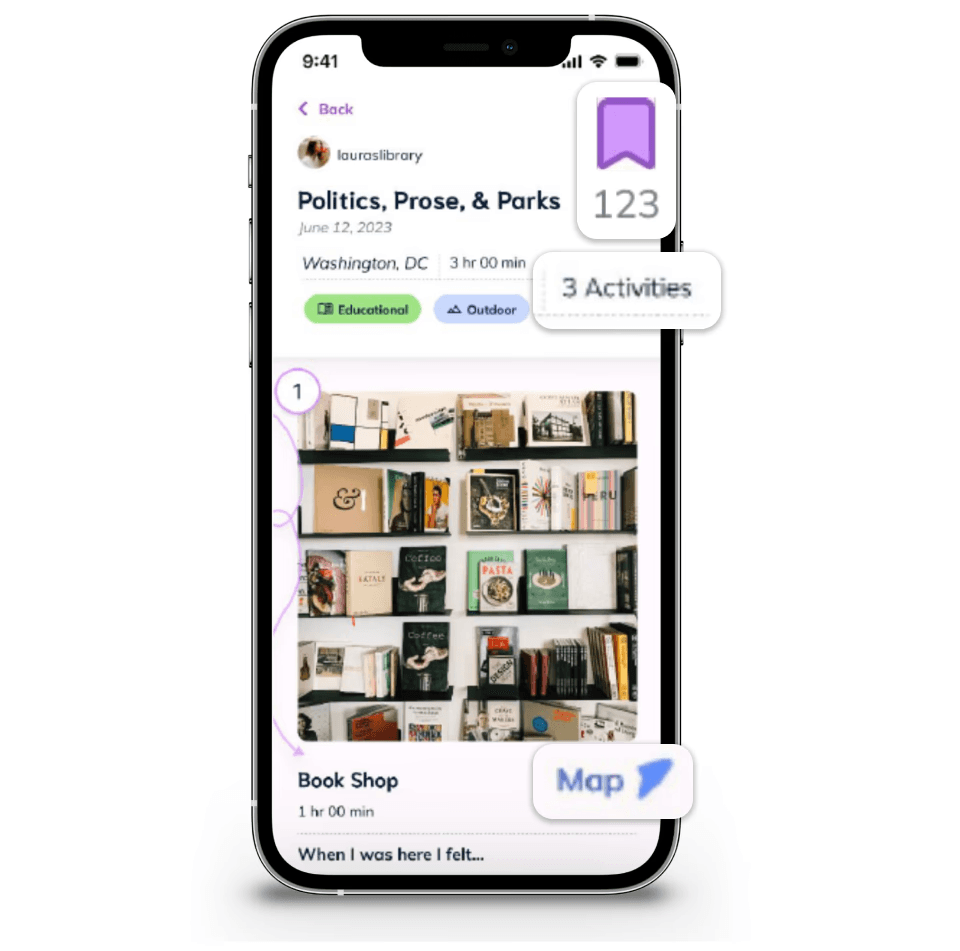
Create and share your own solo travel guide to inspire and help fellow solo explorers.
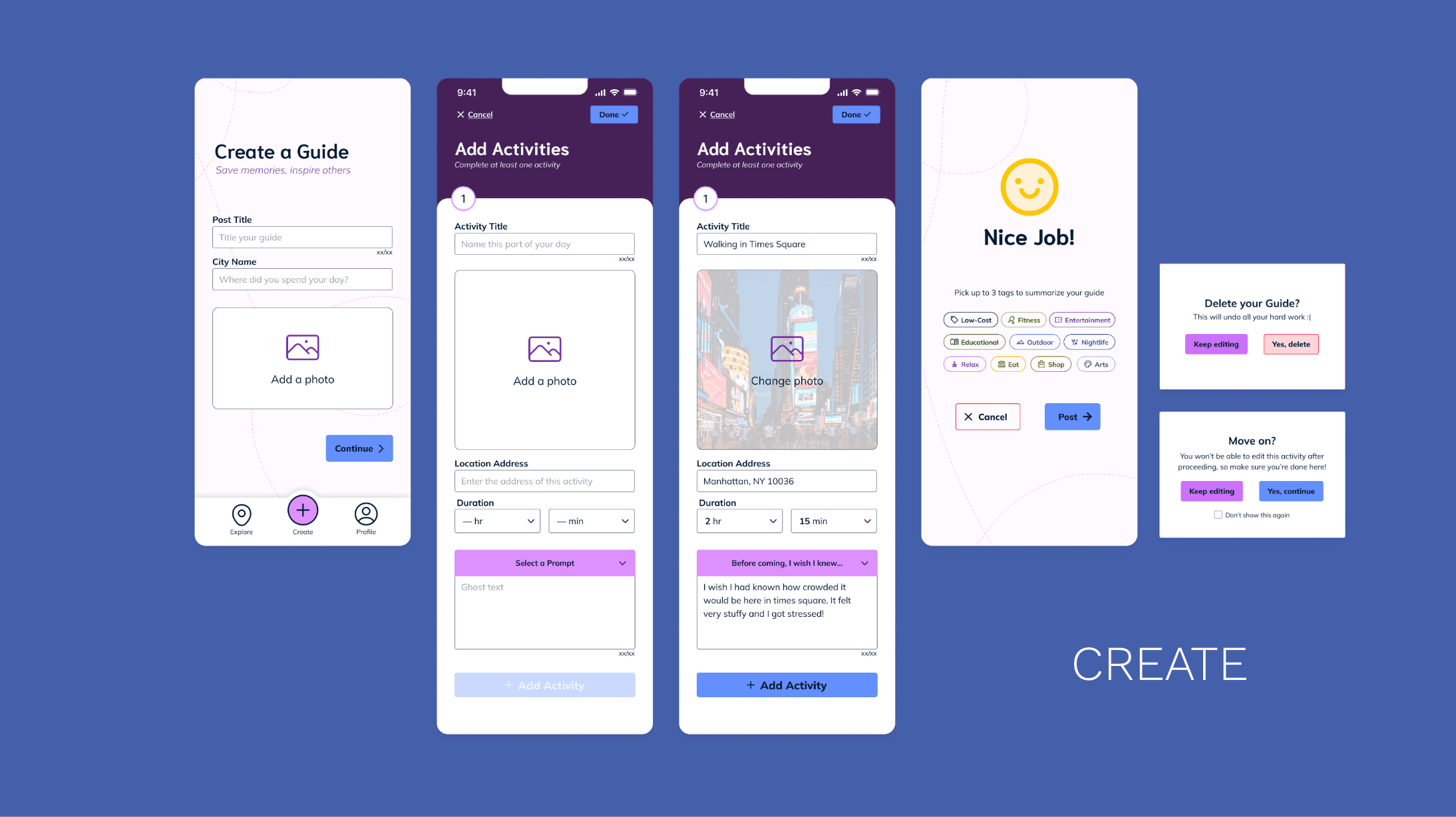
The create flow makes documenting personal adventures simple, with intuitive sections that guide users to:
Input Their Own Photos: Including visuals enhances the authenticity and appeal of their guides.
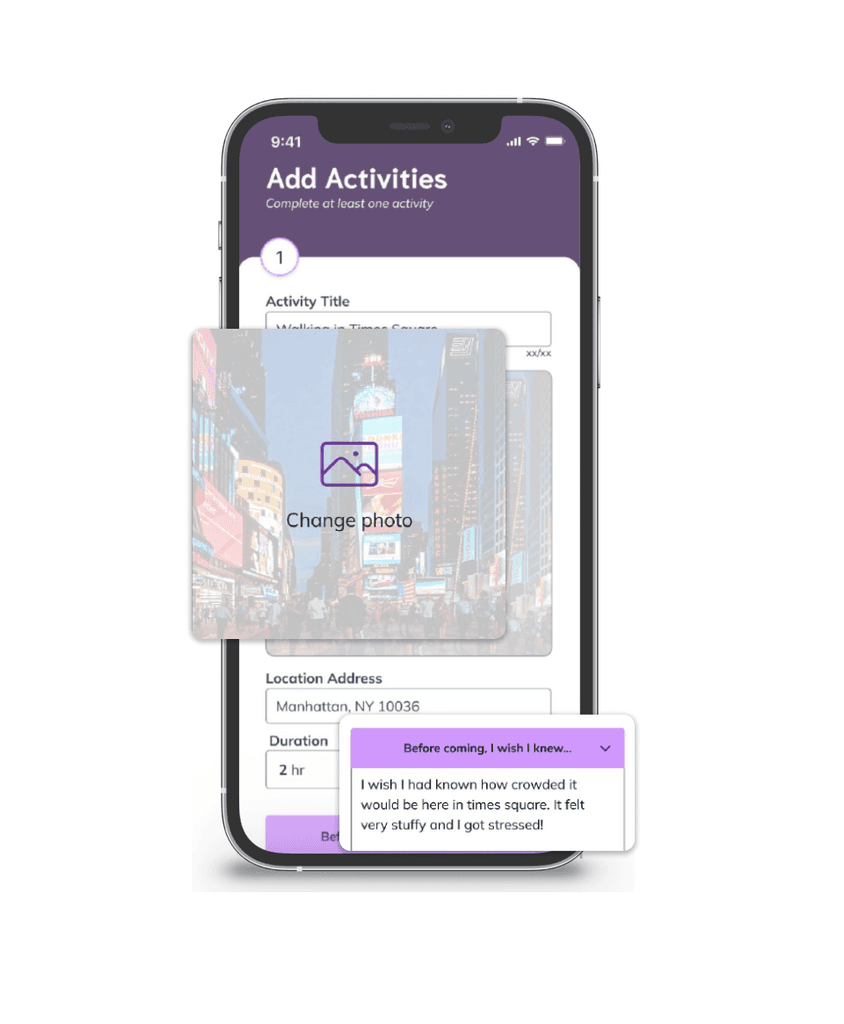
Write Captions: Users can express their thoughts and feelings, adding context and narrative to their experiences.
Use Reflective Prompts: To help users craft meaningful captions, prompts encourage reflection on their journey, fostering a deeper connection with their audience.
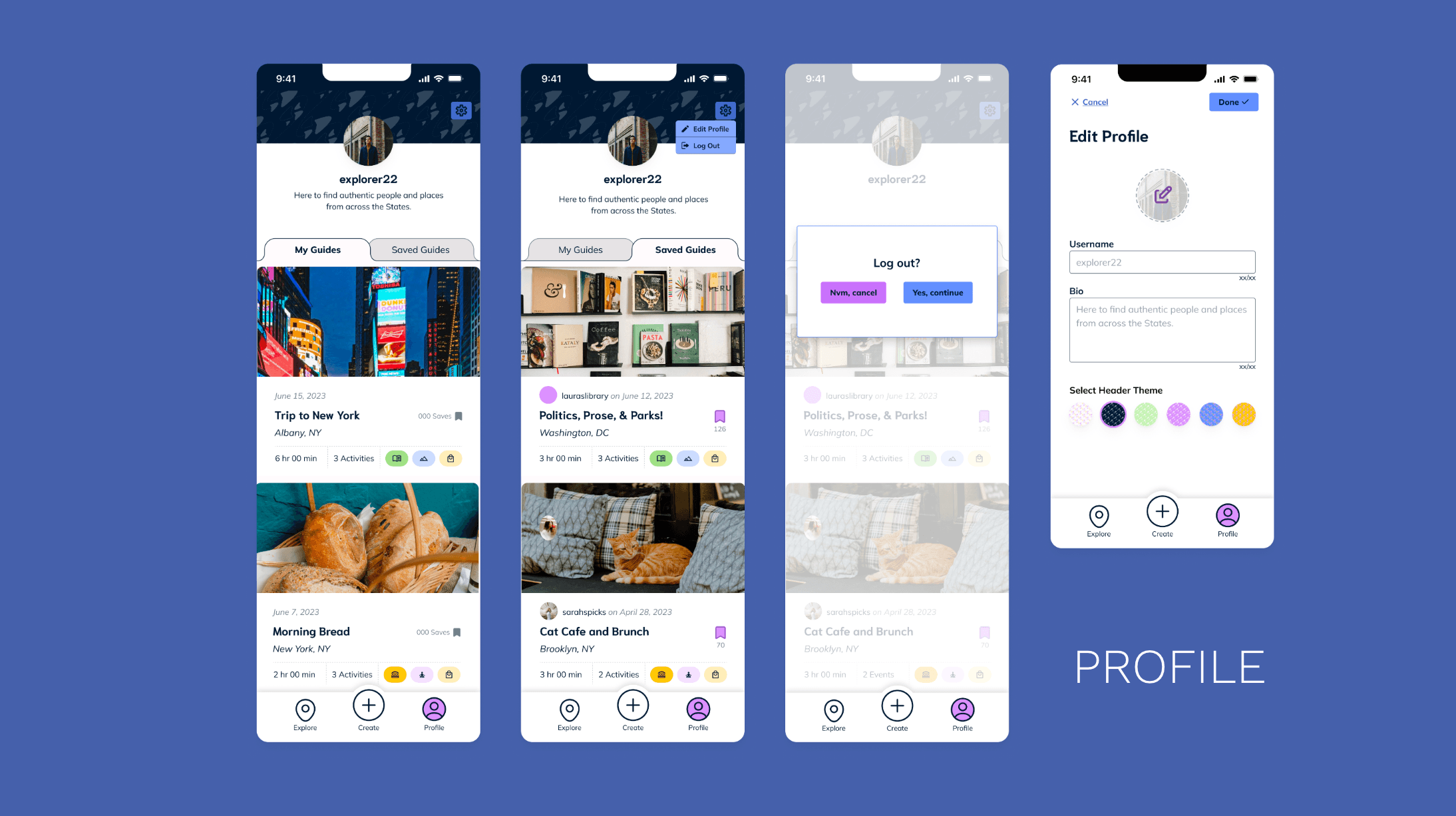
Your profile documents all your posted travel experiences, letting you revisit and relive your adventures. You can also view saved guides and explore other profiles to see who created them, helping you judge their credibility.
PROCESS
DISCOVER
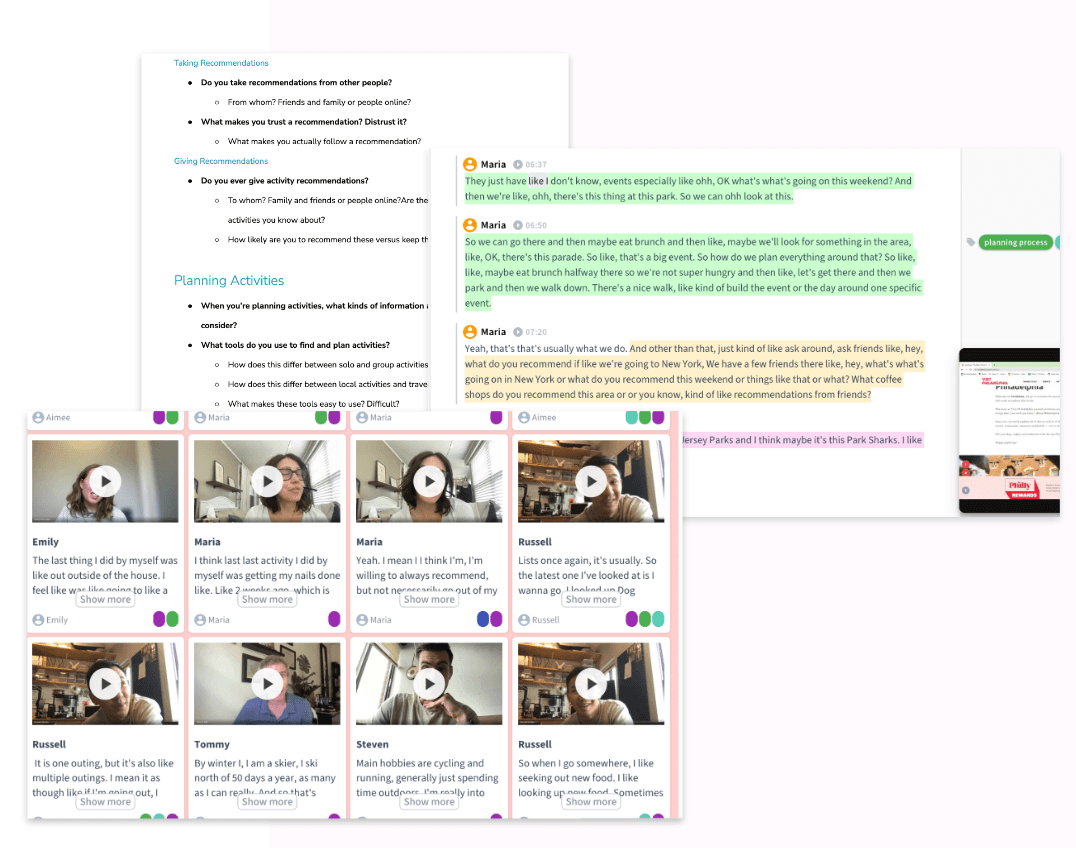
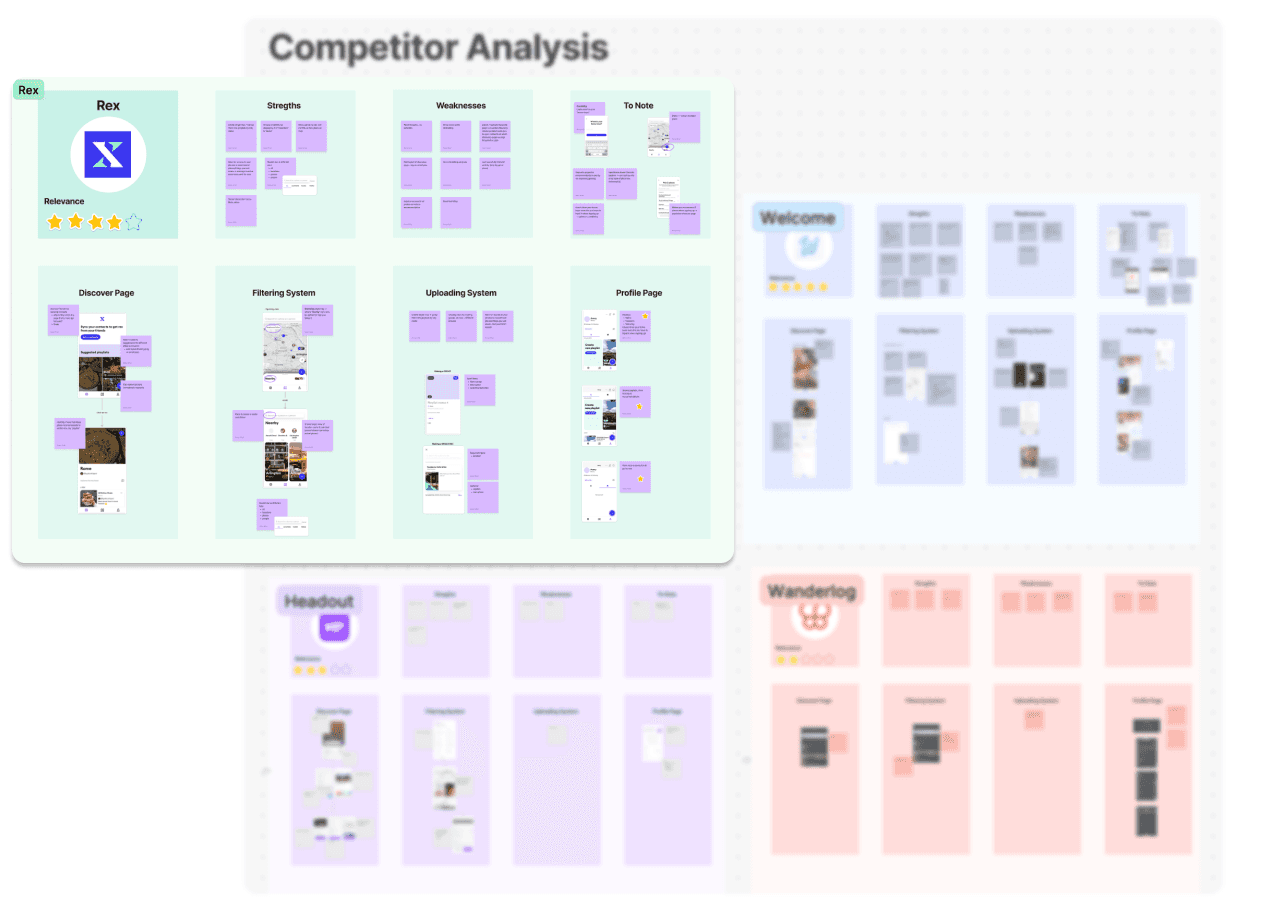
To better understand and empathize with our users, we conducted user interviews and performed an in-depth competitive analysis.
DEFINE
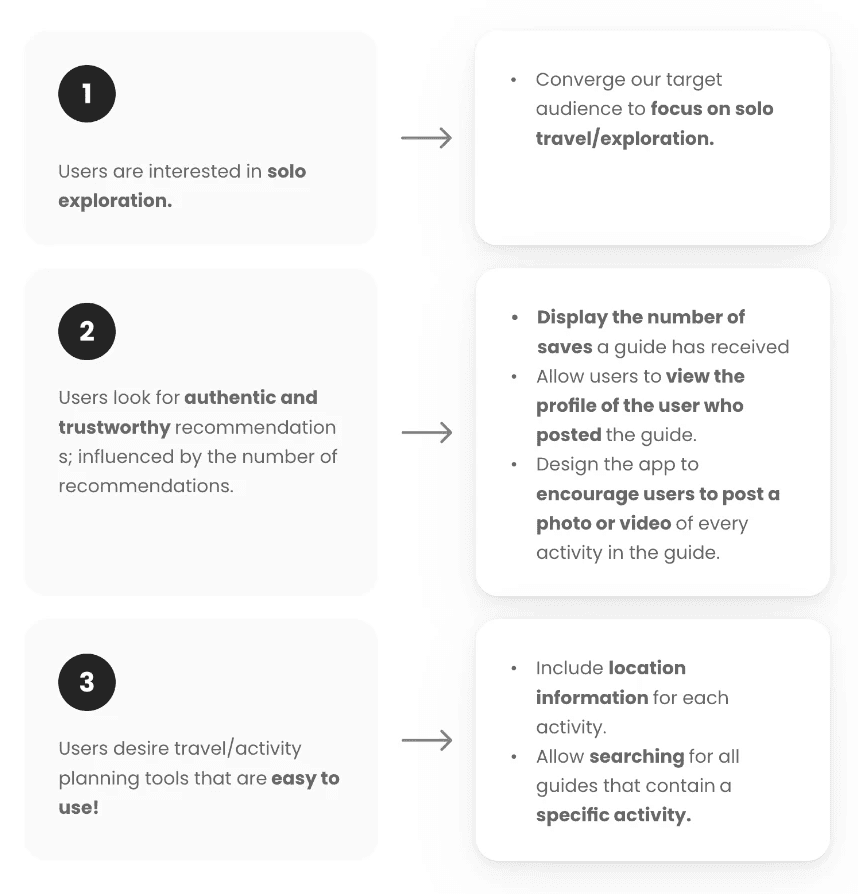
In the Define phase, we analyzed user and market research, identifying three key insights that guided the key focuses and features we wanted to implement into Soli to deliver meaningful value….



DESIGN
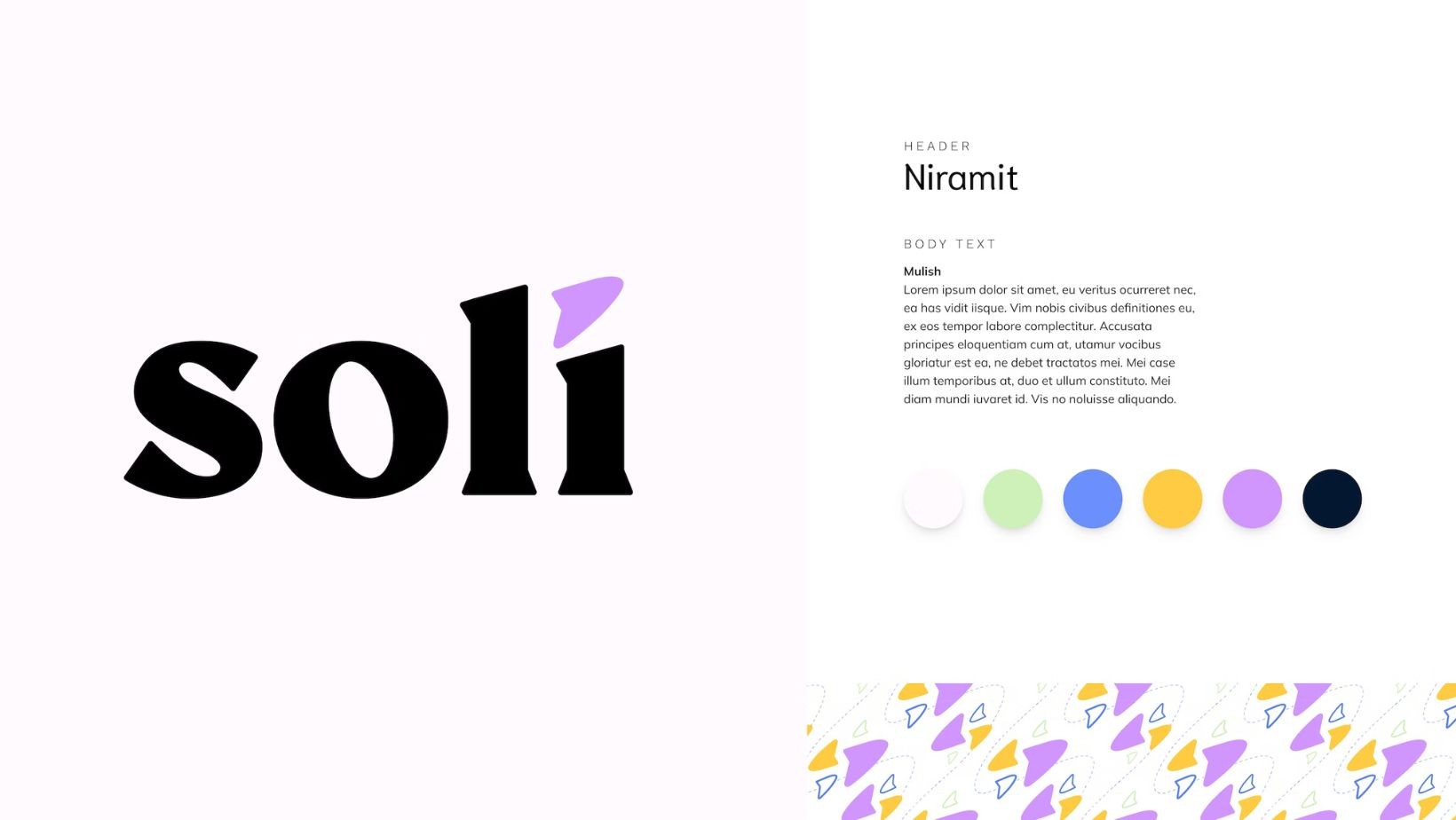
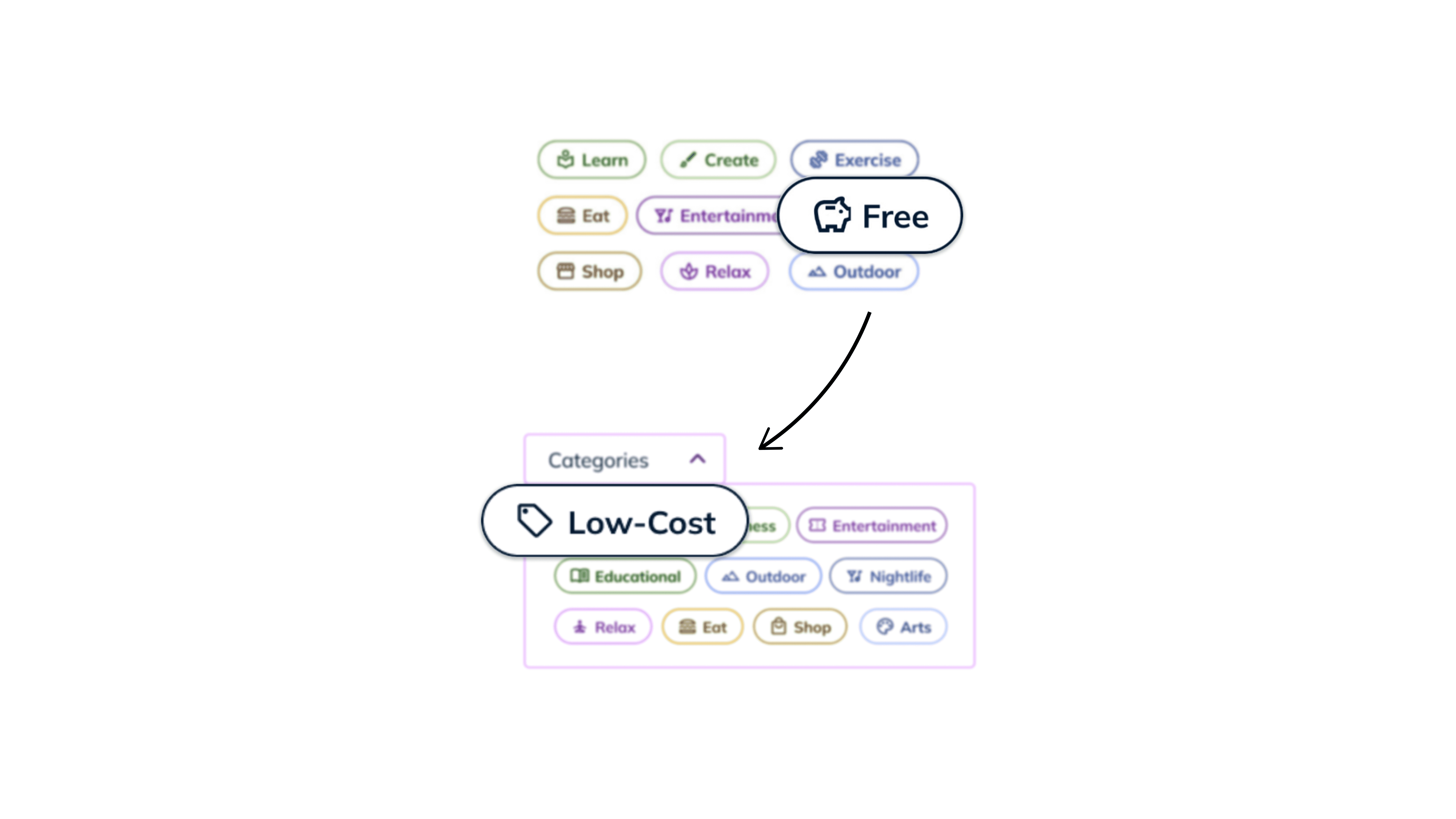
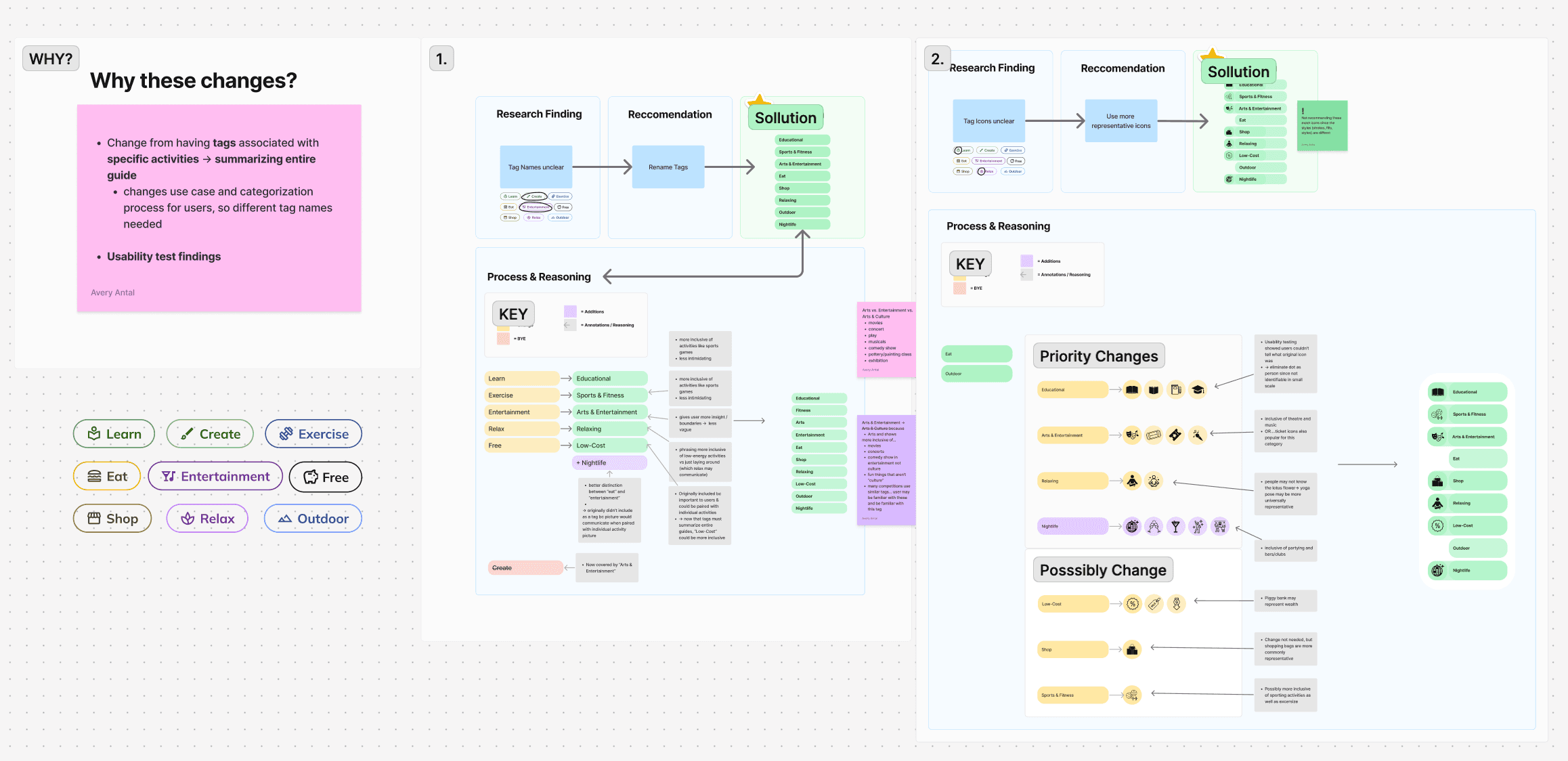
As we developed the user flows, we also crafted Soli’s brand, aiming for a visual identity that is personal, whimsical, and playful, with an experience designed to be inspiring, liberating, and authentic. This intention guided our choices for button styles, typefaces, and graphics, with accessibility as a key consideration throughout.
PROTOTYPE
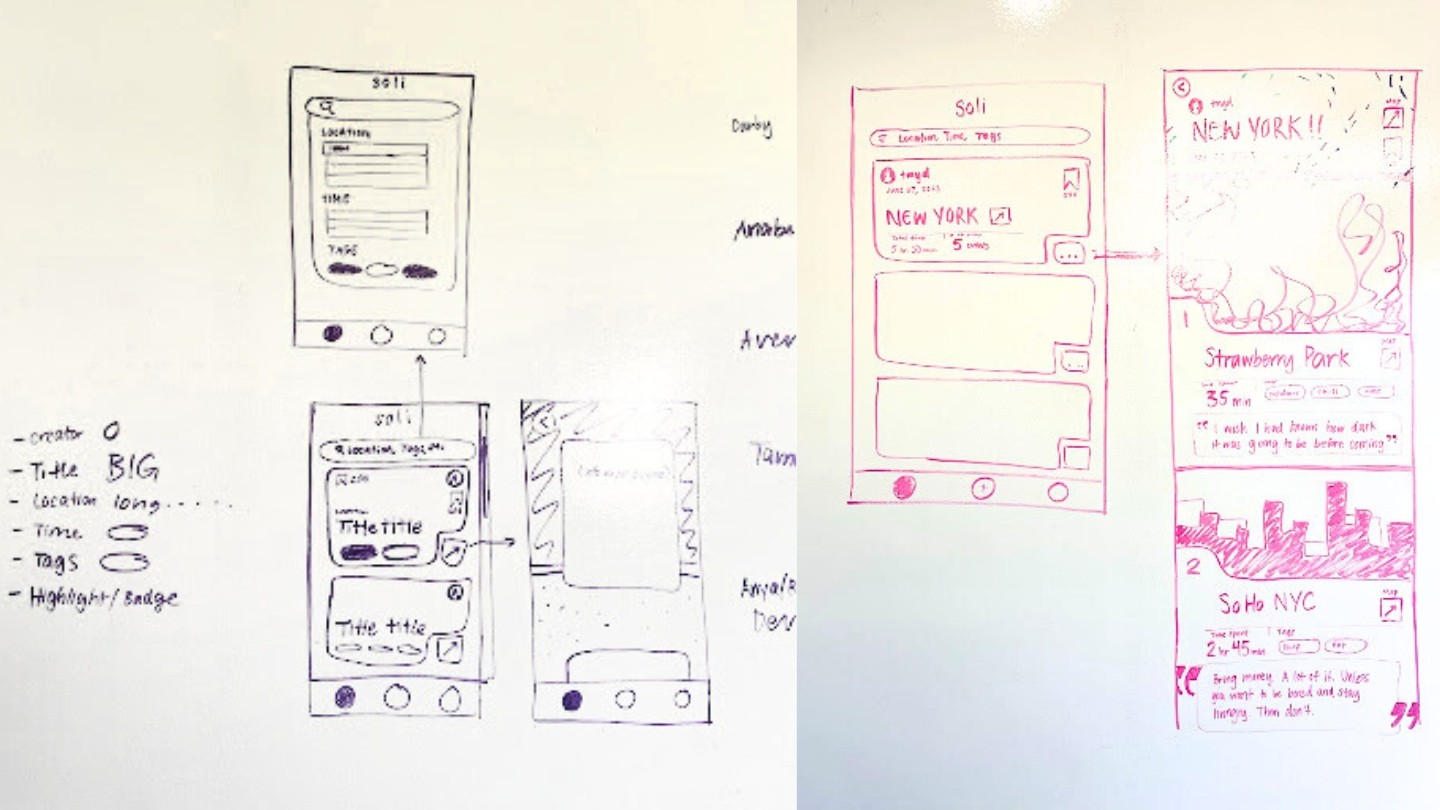
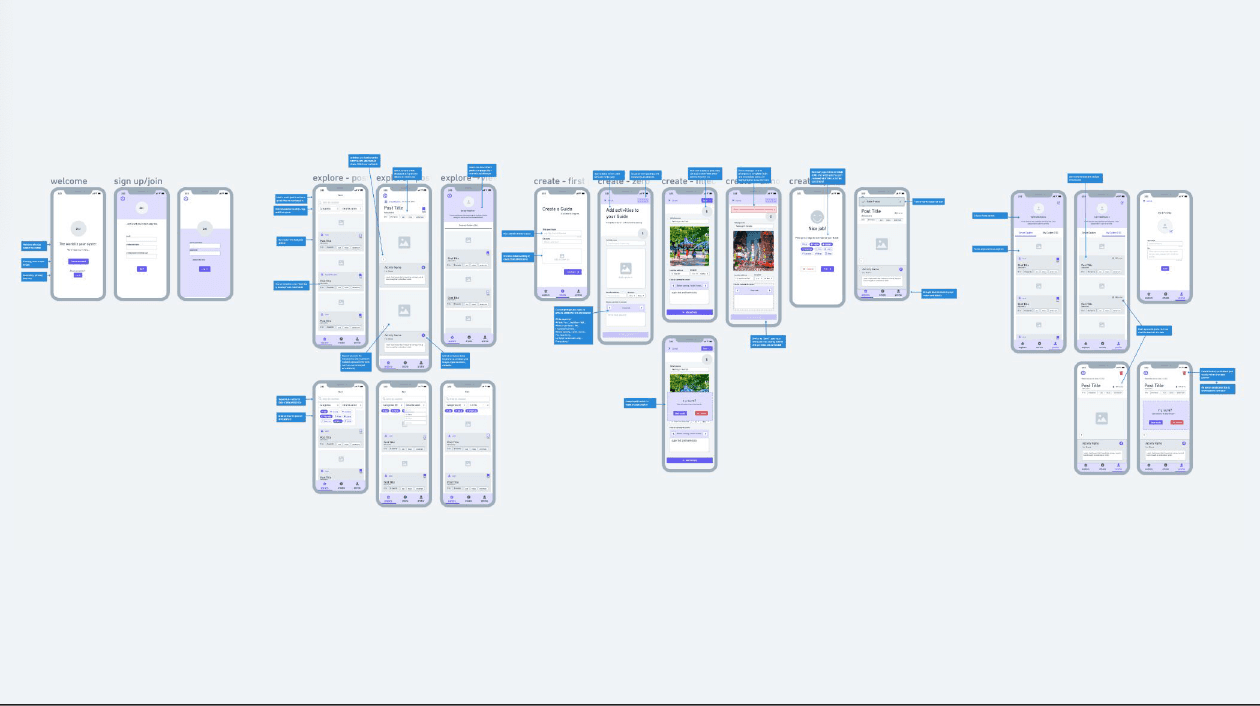
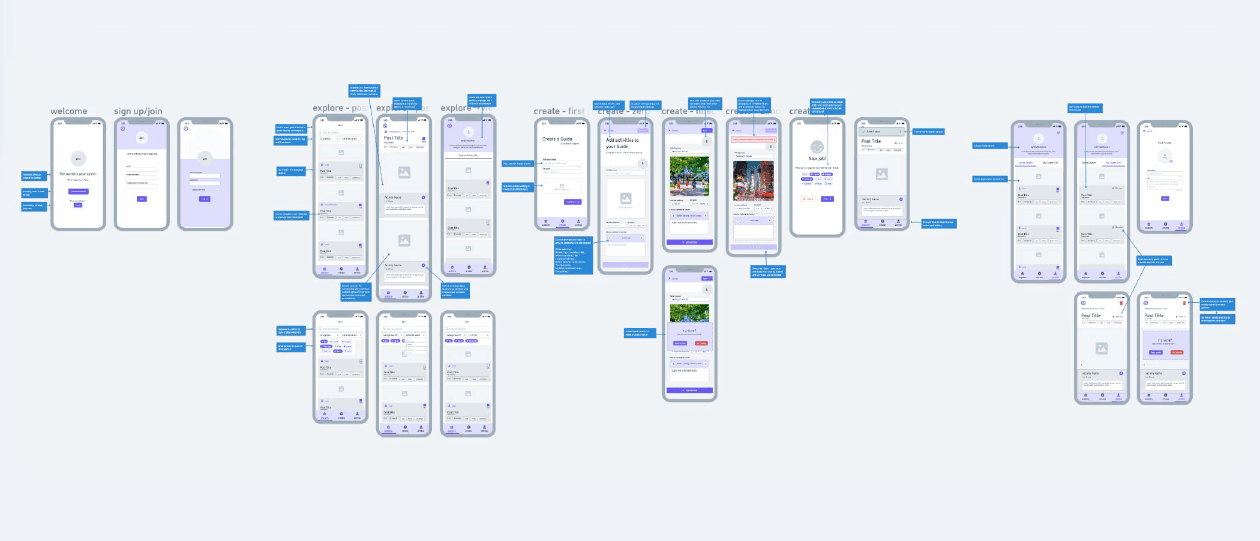
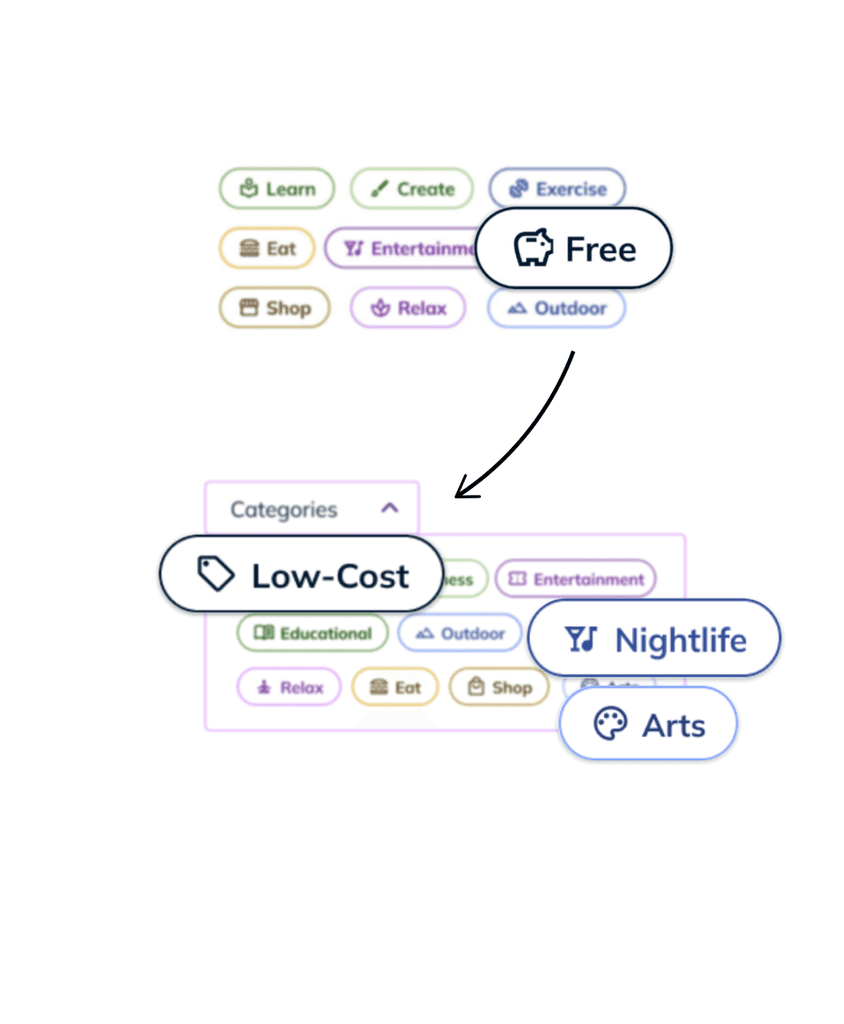
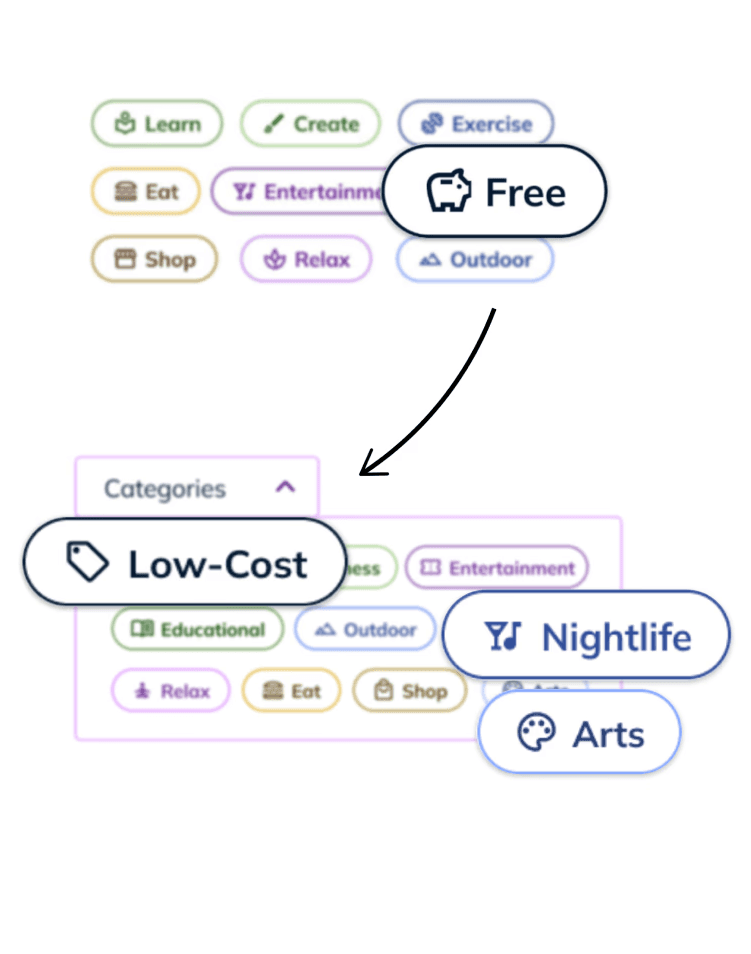
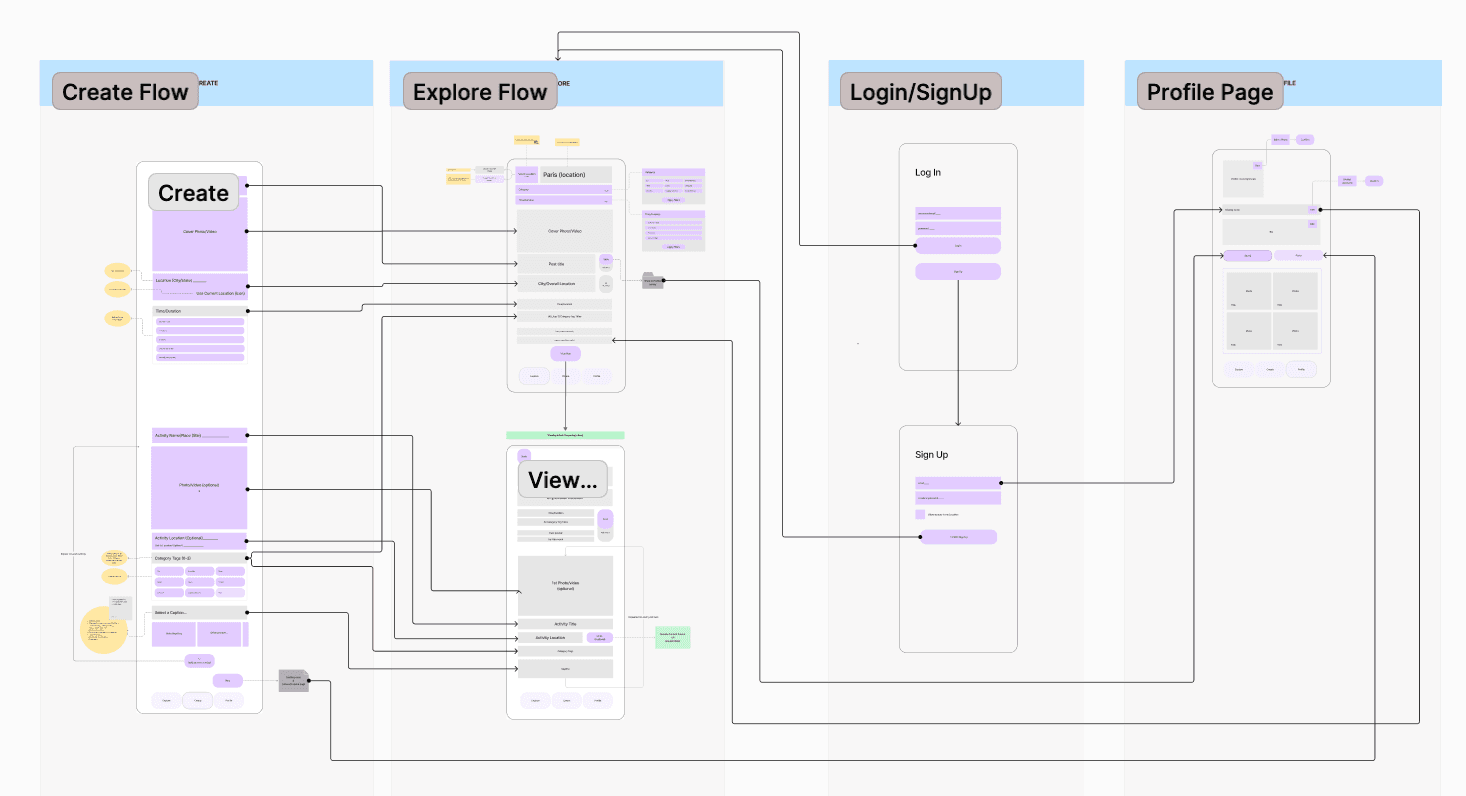
By defining clear intentions for Soli, the prototyping phase became more streamlined. We mapped out the user flows, outlining necessary features and content hierarchy to ensure we addressed user needs and insights.
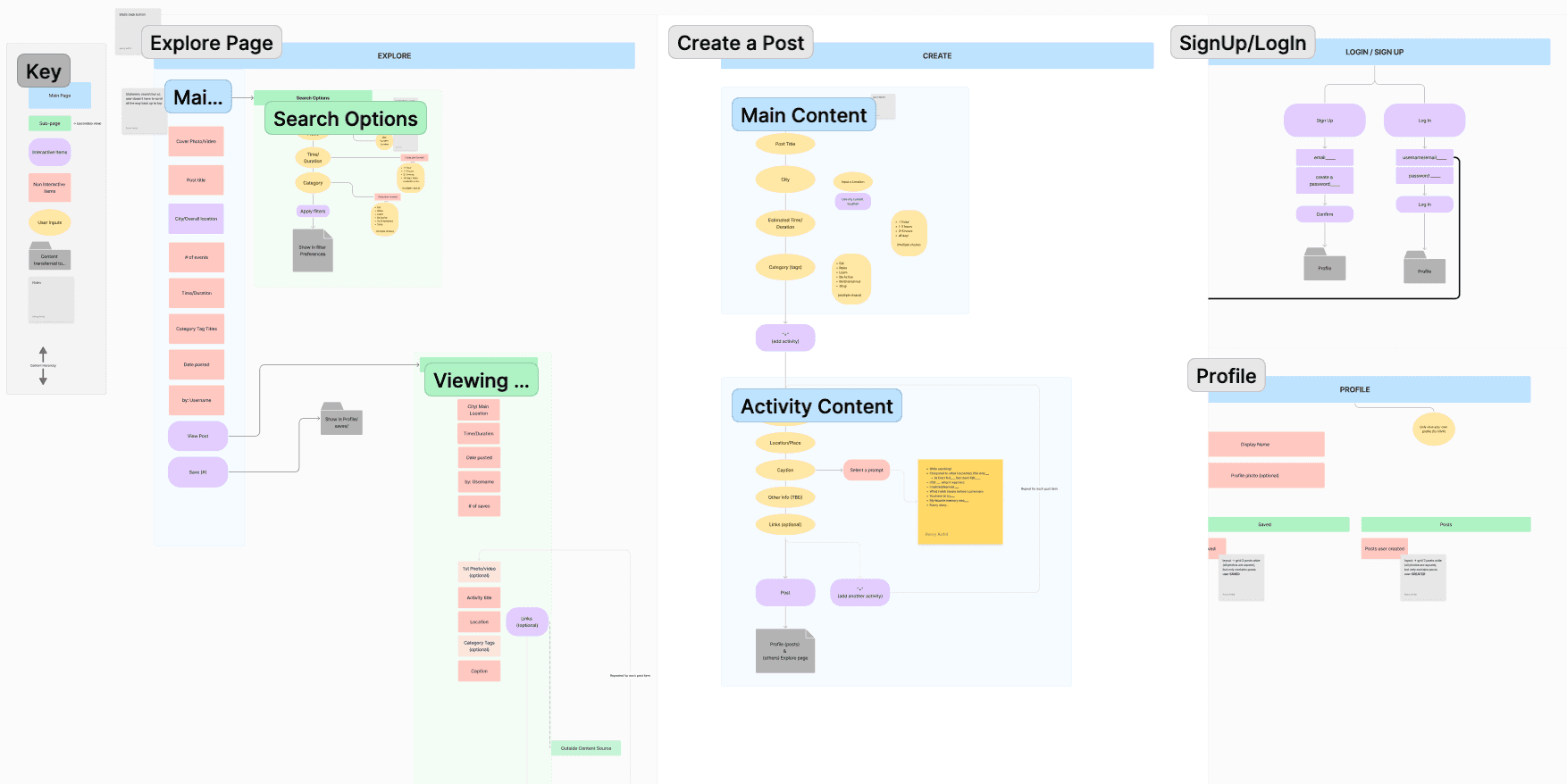
With this plan in place, we began by sketching, then developed wireframes, and finally transformed them into a high-fidelity interactive prototype in Figma, preparing Soli for user testing.
DEVELOP
During development, I bridged the gap between designers and developers, ensuring clear communication and alignment. By providing detailed annotations on interactions, data, and button states, I streamlined the handoff process, enabling efficient collaboration and contributing to Soli's timely and successful launch.
DELIVER
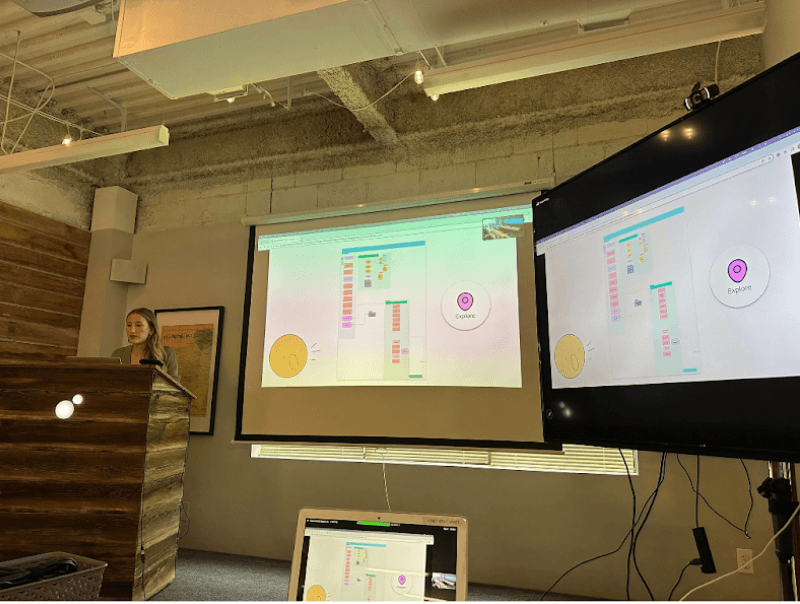
At the end of the 9-week sprint, we successfully deployed Soli! We showcased our work in a product pitch presentation where we practiced effectively communicating design decisions to the entire Viget team, who expressed both enthusiasm for our project and appreciation for our ability to pull off a successful live demo.
REFLECT
Beyond acquiring a multitude of hard skills during this project, I also learned valuable lessons about team collaboration and navigating project constraints. Two particularly prevalent lessons were:
Communicating with Vulnerability Is Fundamental for Team Synergy
As a team of seven ambitious individuals with diverse skills and perspectives, we quickly realized the importance of honest communication and actively listening to one another. Regularly sharing updates allowed each team member to feel valued, fostering a balanced, productive environment that encouraged both individual contributions and adaptability to each other’s needs.
Quality Over Quantity
Excited to create a digital product, we initially brainstormed an extensive list of ideas but soon recognized the need to focus. To manage this, we prioritized high-impact, feasible features for our v1 launch that aligned with user needs, and created a v2 list of features to implement in future versions. This strategic prioritization allowed us to deliver a polished MVP, which we highlighted in our final presentation. By focusing on a few quality features, we created a more cohesive product while still maintaining a vision for future development.
ADDITIONAL RESOURCES
Check out the final product
Dig into our code and design artifacts.
Read our Viget article: "Building Soli: An Intern Journey to Delivering an MVP"
Read the article written about my work for Viget